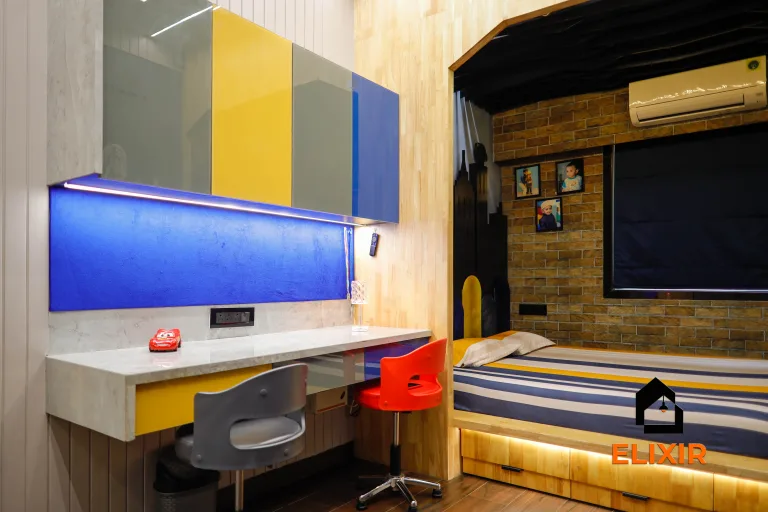
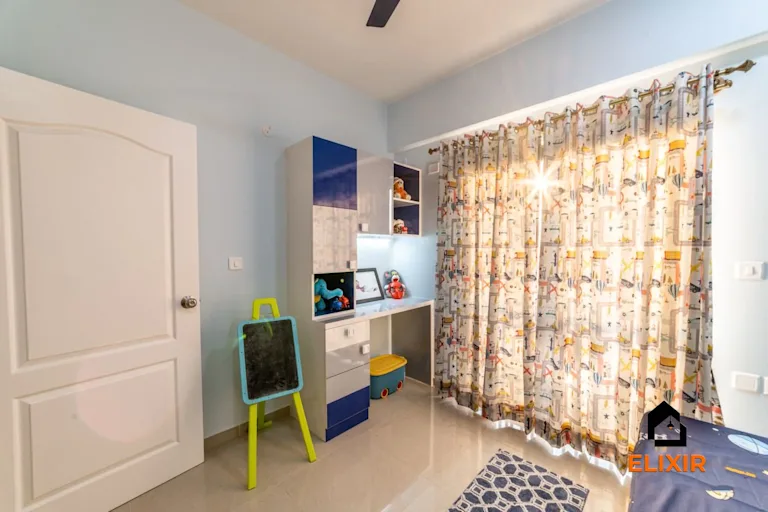
Rental homes
Workspace Desk and Screen Position for Rental homes
Position the workstation around screen view, daylight, power and the user's dominant hand.
Explore the ideas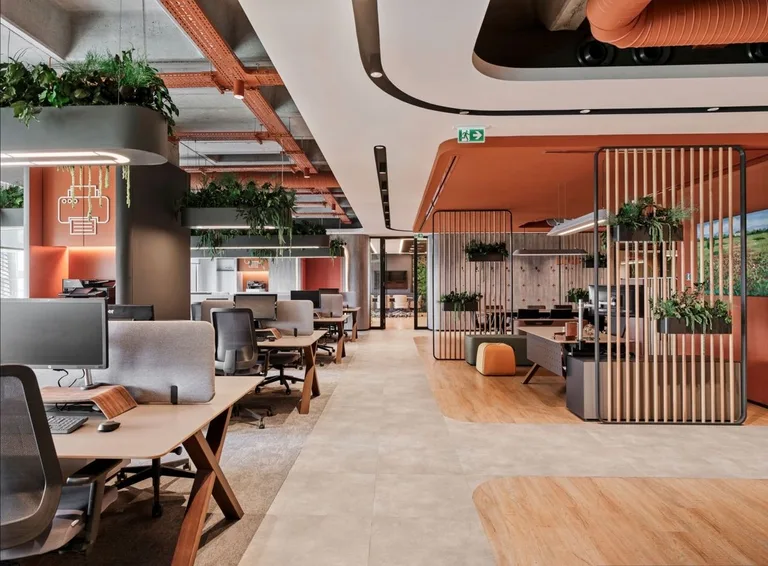
Plan in this order
- Mark screen view direction and window reflections from the seated position.
- Place writing and input surfaces to suit the user's handedness and equipment.
- Route power and data without crossing the chair movement area.
Worked example
Imagine a left-handed analyst whose monitor faces a bright window and whose writing hand is shadowed by a desk lamp.
Turn the screen away from direct reflection and place task light on the opposite side of the writing hand. Test reach to keyboard and notes from the actual chair.
How to test it
Work through a typical session and check glare, reach and cable movement.
Apply it to this space
- Layout
- Set a compact desk near an outlet and orient it to avoid window glare and household traffic.
- Detail
- Use a task lamp, portable monitor stand and cable clips that leave no marks.
- Trade-off
- A shared dining table saves space but makes work setup and shutdown repetitive.
- Check outlet reach and cable trip risk
- Test chair comfort and daylight
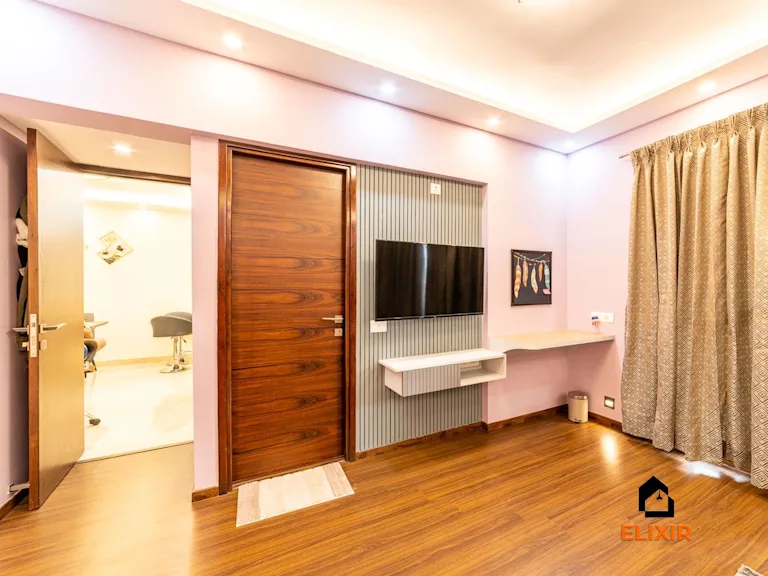
The Elixir portfolio
Details worth a closer look