Offices
Phone Booths Desk and Screen Position for Offices
Position the workstation around screen view, daylight, power and the user's dominant hand.
Explore the ideas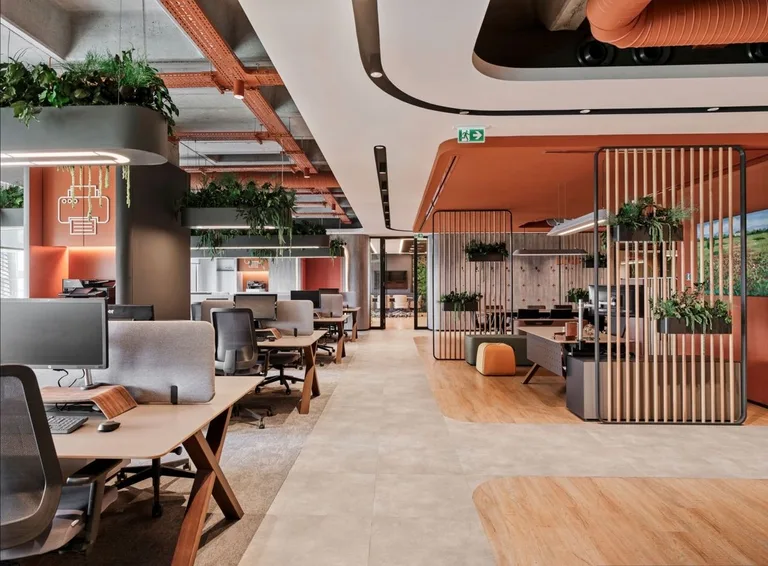
Plan in this order
- Mark screen view direction and window reflections from the seated position.
- Place writing and input surfaces to suit the user's handedness and equipment.
- Route power and data without crossing the chair movement area.
Worked example
Imagine a left-handed analyst whose monitor faces a bright window and whose writing hand is shadowed by a desk lamp.
Turn the screen away from direct reflection and place task light on the opposite side of the writing hand. Test reach to keyboard and notes from the actual chair.
How to test it
Work through a typical session and check glare, reach and cable movement.
Apply it to this space
- Layout
- Group booths near shared circulation but set their doors off the direct path to desks.
- Detail
- Provide a shelf, hook, fan or air path, and a light that does not cast a hard shadow on the caller.
- Trade-off
- More booths improve call access while taking away flexible team area.
- Try a full-length call with the door closed
- Check door swing against passing traffic
The Elixir portfolio
Details worth a closer look